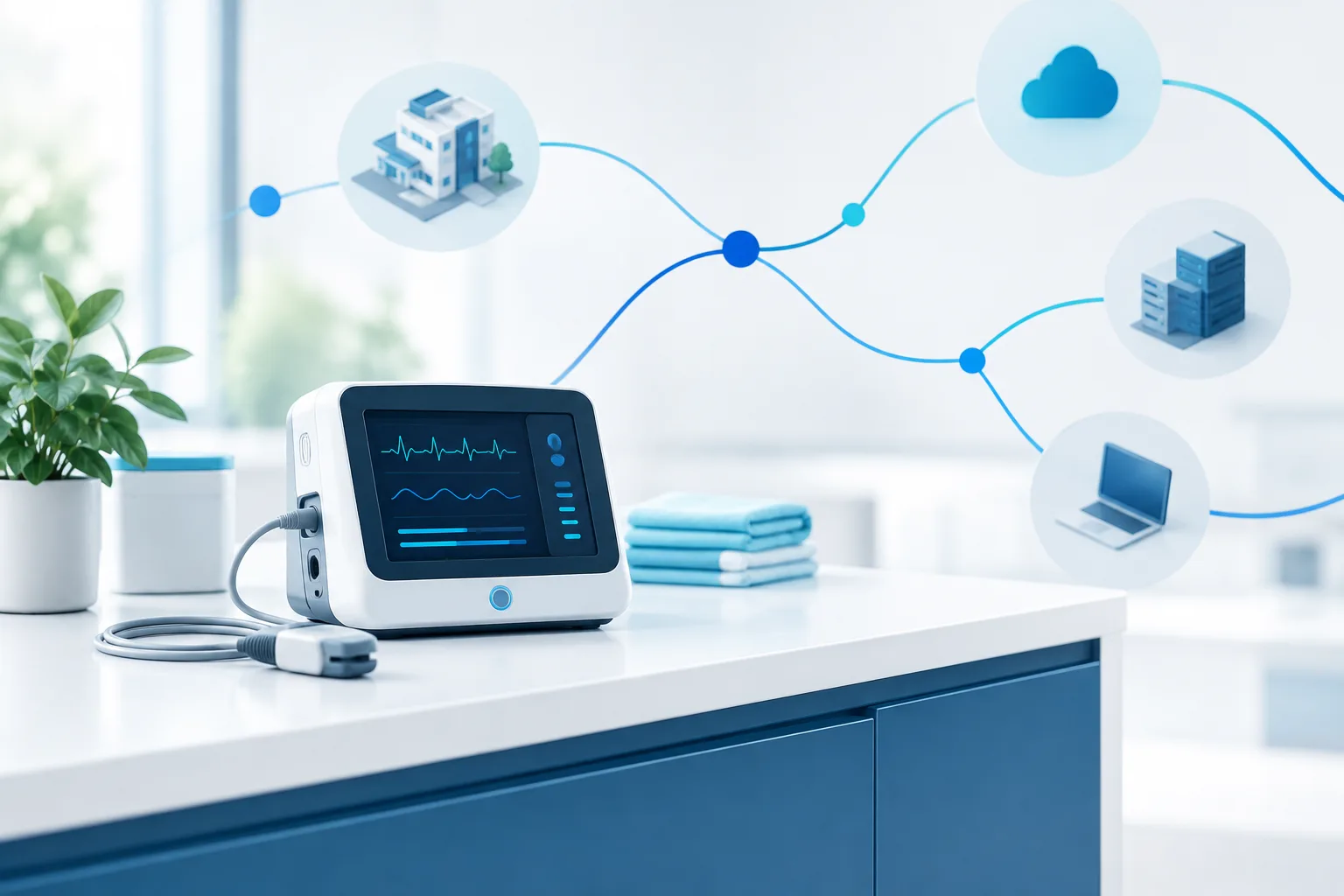
An unpatched medical device can create a difficult choice for a small clinic: leave it connected as usual, or restrict it and risk interrupting care. A safer middle path is to isolate unpatched medical devices with carefully planned network controls. The goal is to limit unnecessary connections while preserving the device’s verified clinical and support functions.
Isolation is not simply unplugging a device or moving it to a separate network and assuming the risk is gone. Before changing settings, involve the people who understand the device, the network, and the care workflow. The HHS Health Industry Cybersecurity Practices guidance offers cybersecurity practices for healthcare organizations, including smaller providers: HHS Health Industry Cybersecurity Practices.
Begin with the device and its dependencies
Make a clear record of the device before changing its network access. Include its location, purpose, manufacturer, model, operating system or firmware information if available, and the person or team responsible for it. Note whether it is still supported and what the manufacturer says about updates and security mitigations.
Then map what it must communicate with to work safely. Do not guess based on what seems typical for the device. Ask the manufacturer, authorized service provider, biomedical staff, and the clinic’s IT or security provider to help confirm the required connections. Depending on the device and workflow, dependencies may include a clinical system, a records or imaging system, a server, a time service, or a vendor support system. These are examples to investigate, not a list to allow automatically.
Document the purpose of each required connection, who confirmed it, and what might happen if it is blocked. This helps distinguish essential clinical traffic from unnecessary access, and gives staff a reference if troubleshooting is needed later. The HICP technical volume includes guidance for small healthcare organizations on practical cybersecurity measures: HICP technical guidance for small health care organizations.
Use segmentation, but do not treat a VLAN as a complete safeguard
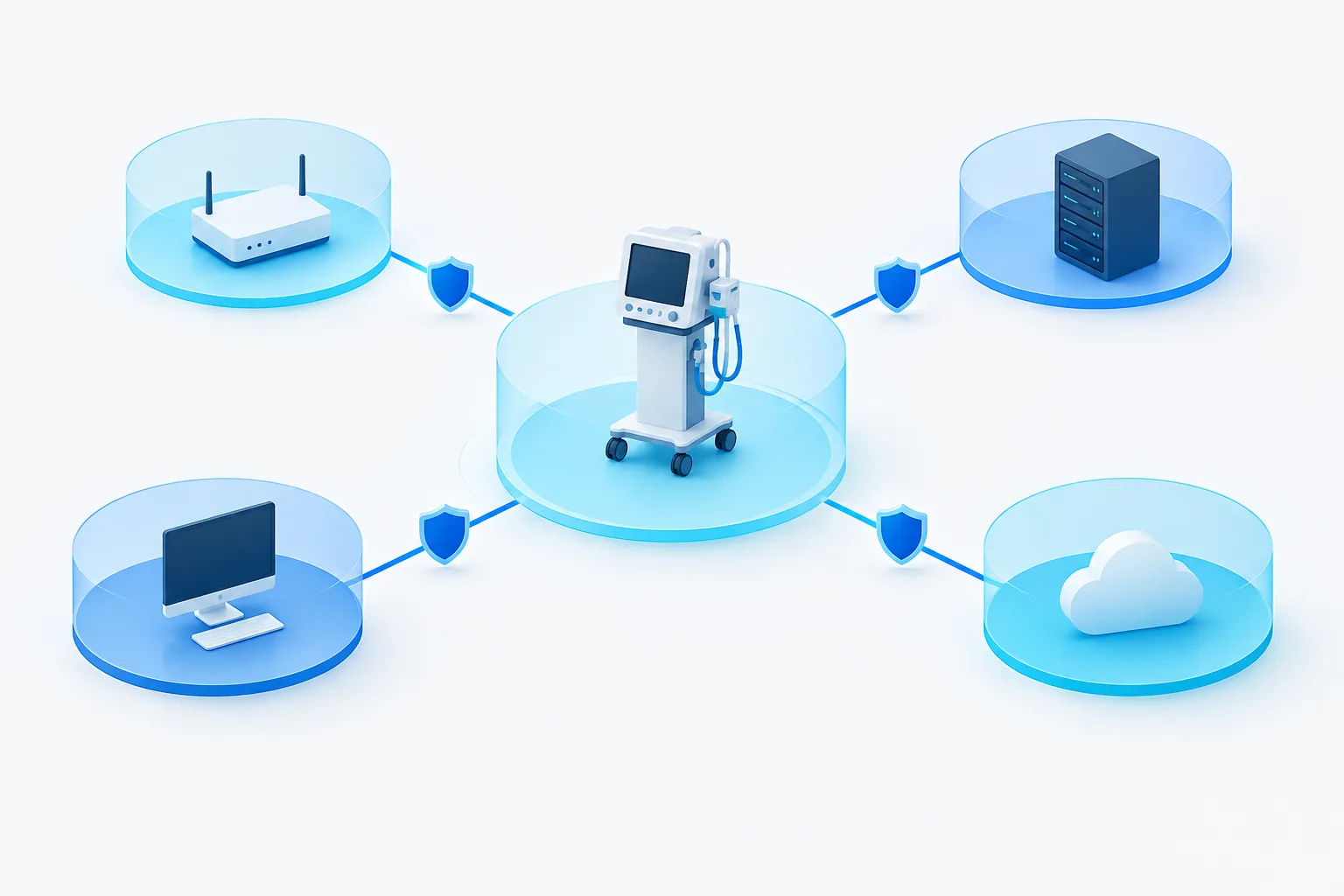
A separate network segment, often implemented as a VLAN, can help keep a medical device’s traffic apart from ordinary staff computers, guest devices, and other systems. But a VLAN alone does not necessarily prevent communication within that segment or control every path into and out of it. The important question is which connections are permitted and whether those rules are enforced.
For a small clinic, network segmentation should be designed around the device’s confirmed requirements. A firewall or network control can restrict traffic between the device segment and the rest of the clinic network. Where practical, allow only the required destinations and services, and deny connections that have no approved clinical or support purpose. Avoid broad rules that allow unrestricted access simply because a device needs to reach one system.
Rules should be readable and documented. Record what each rule permits, why it exists, who approved it, and how it can be reviewed or reversed. A managed firewall approach may help a clinic apply network restrictions without having to manage every technical detail alone.
Plan changes around clinical work
A network rule that looks safe on paper can still affect care if it blocks a device’s needed communication. Before implementation, have clinical and biomedical staff confirm the device’s role and identify workflows that could be affected. Agree on a maintenance window and a contingency plan in case the device or connected systems do not behave as expected.
After the change, verify more than whether the device appears online. With the appropriate clinical staff, check its intended operation, connections to necessary systems, and any workflows that depend on it. Watch for errors, missing information, delayed communications, or unexpected support alerts. If anything essential is affected, follow the documented rollback plan and investigate before trying a different rule.
Keep a record of the change and the people who approved and tested it. Revisit the configuration when the device, connected systems, vendor support arrangement, or clinical workflow changes. A change that was appropriate for one setup may not remain appropriate after the environment changes.
Restrict vendor access and monitoring carefully
Remote vendor support can be necessary, but it should not mean permanent, unrestricted access to the device or clinic network. Confirm who needs access, which systems they need to reach, and the approved purpose. Use an approved remote-access method, limit access to authorized users and necessary systems, and enable access only when needed where the setup allows it. Keep a record of sessions and review access afterward. Do not share credentials or leave an unneeded remote connection available.
Monitoring can help staff notice unexpected communication, but the approach should fit the device and its clinical role. Work with the manufacturer or a qualified specialist to understand what normal activity looks like and which alerts are useful. Avoid placing monitoring tools directly on a delicate device unless the manufacturer approves that approach. A managed security provider can help review network activity and coordinate alerts, but clinic staff still need a clear process for deciding whether an alert affects patient care.
Be cautious with vulnerability scans
Vulnerability scanning can be useful for many systems, but active scans may affect sensitive or specialized medical devices. Do not assume that a scan is safe just because it is routine elsewhere on the network. First ask the manufacturer or service provider what testing is supported, and consult qualified technical staff. If testing is approved, plan it with clinical and biomedical staff, agree on timing and safeguards, and know how to respond if the device behaves unexpectedly.
Likewise, do not disconnect a device or apply an unapproved workaround simply to make a scan or security task easier. If the device’s risk seems urgent, involve the people responsible for clinical operations and technical support so they can assess safe options together.
Decide whether continued use is acceptable
Network restrictions can reduce exposure, but they do not make unsupported equipment risk-free. Ask the manufacturer about available mitigations, support status, and a path to continued support or replacement. Then consider the device’s clinical importance, the strength of available safeguards, the feasibility of monitoring, and the consequences if it becomes unavailable or compromised.
If the clinic cannot maintain safe operation or reasonable security controls, discuss a replacement or other clinical contingency with the appropriate decision-makers. Keep that decision grounded in the device’s intended use and the clinic’s operating needs. For broader help assessing the network and choosing a provider, see this guide on choosing a cybersecurity provider.
Frequently asked questions
Should a medical device be placed on a separate VLAN?
A separate VLAN can be a useful part of medical device network segmentation, but it is not complete isolation by itself. Pair segmentation with restrictive controls between network zones, and verify that required clinical and support connections still work.
How can a clinic restrict traffic without disrupting care?
Confirm required communications with the manufacturer and the people responsible for clinical and technical operations. Apply narrowly scoped rules, test device function and dependent workflows with clinical staff, and keep a rollback plan ready.
Can a clinic run vulnerability scans on an unpatched device?
Only after checking with the manufacturer or a qualified specialist that the proposed testing is supported. Coordinate any approved testing with clinical and biomedical staff, since active scans may affect some devices.
When should a clinic stop using or replace an unsupported device?
There is no single answer for every device. Review available mitigations, clinical needs, remaining support, and whether the clinic can operate the device safely with practical safeguards. Involve the appropriate clinical and technical decision-makers.
Make isolation a managed change
The practical way to isolate an unpatched medical device is to understand its dependencies, restrict only verified traffic, and test changes with the people responsible for care. Treat the configuration as an ongoing responsibility, not a one-time checkbox. A useful next step is to ask your device vendor and IT or security provider to help document required connections and agree on a safe change and rollback plan.