
When an EHR or medical-device vendor needs to troubleshoot a problem remotely, the clinic has to balance timely support with control over sensitive systems. A standing connection or shared vendor login can make it difficult to know who accessed what, when the work happened, or whether access was left open afterward.
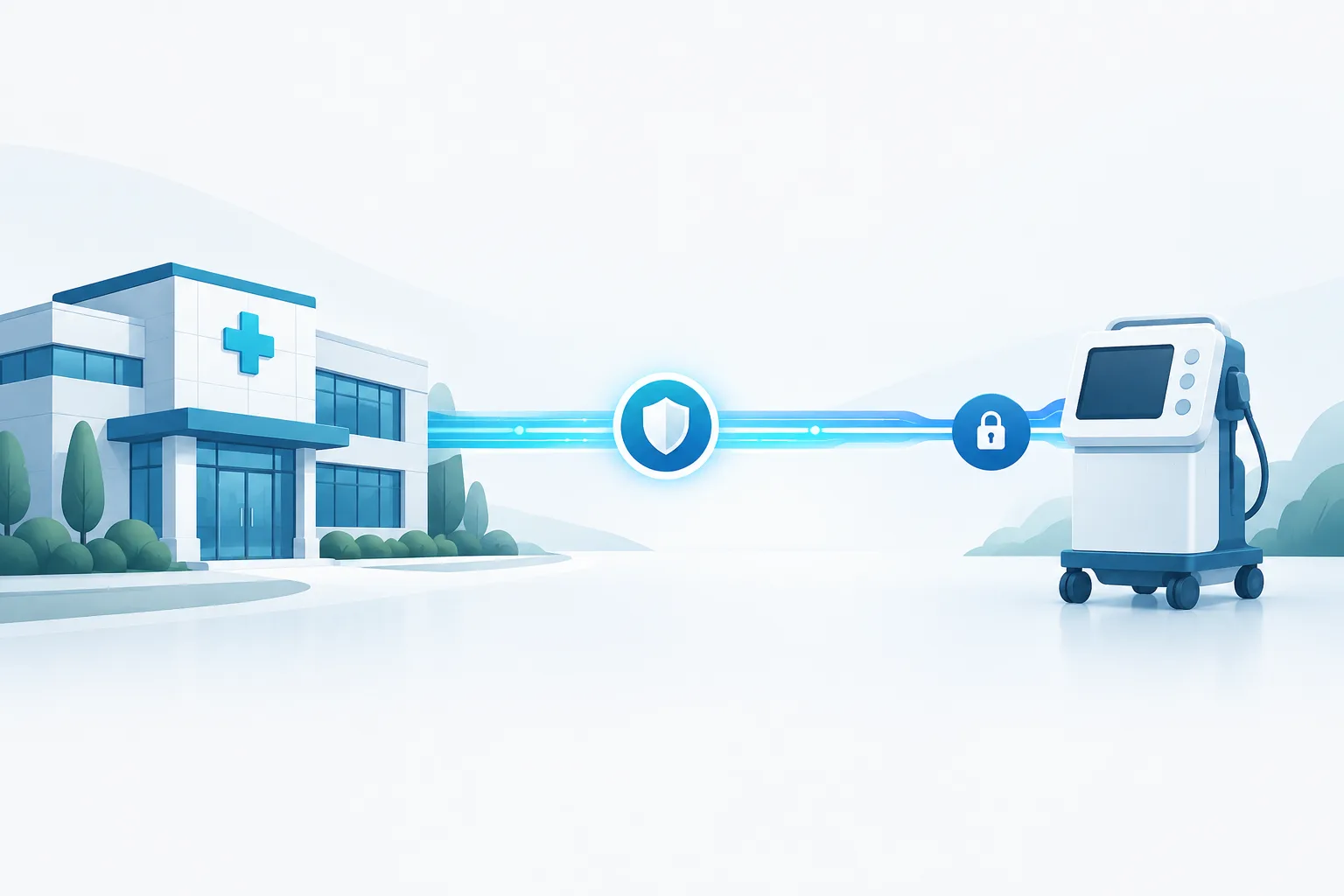
A practical approach to clinic vendor remote access security treats every support connection as a limited, documented session. Verify the request and technician, approve the specific access needed, supervise or monitor the work, then close the connection and review what happened.
Start with a vendor access policy
Write down how staff should handle remote support before a problem occurs. The policy should cover EHR vendors, medical-device vendors, and other third parties that may connect to clinic systems. Give staff a clear contact path for verifying a request, approving access, and reporting unexpected activity.
For each vendor, record the systems it supports, the reason it may need access, the clinic contact who can approve a session, and the method used to connect. Include requirements for named accounts, multi-factor authentication (MFA), session logging, access expiration, and incident notification. Review the arrangement when the vendor, system, or support need changes.
Healthcare organizations can also consult the HHS cybersecurity practices for small healthcare organizations when developing security procedures.
Before the session: verify and approve
- Confirm the support request. Check that someone at the clinic requested the work or is expecting it. If a vendor initiates an unexpected request, verify it through a known contact method rather than relying on the contact details in the request itself.
- Verify the technician. Confirm the technician’s identity and that the person is authorized by the vendor to work on the clinic’s system. Avoid approving a connection based only on a familiar company name.
- Define the purpose and scope. Record what needs troubleshooting, which system or device is involved, what access is needed, and who at the clinic is responsible for the session. Keep permissions limited to that task.
- Approve a specific session. Prefer access that the clinic can enable for a defined support window and turn off when the work is done. Avoid persistent access that remains available without a current need.
- Use individual accounts and MFA. Each technician should use a unique account so the clinic can associate activity with a person. Require MFA for remote access where the vendor’s setup supports it. Shared logins weaken accountability because a record may show only that a group account was used.
Approval should come from an employee with authority to make the decision, not from an informal assumption that vendor access is always acceptable. For sensitive work, the clinic can require a designated employee to be present or actively supervise the session.
During the session: limit and observe
Connect the vendor only to the systems needed for the approved work. A vendor supporting an EHR does not automatically need access to unrelated office computers, file shares, or network areas. Where practical, use a clinic-controlled connection method that allows staff to start and end access and restrict which systems the vendor can reach.
For an EHR support session, consider whether the technician needs to view patient records or only system settings and technical information. If access to sensitive data is necessary, keep it within the approved purpose and avoid unrelated records or data transfers.
Medical-device support needs a separate assessment. A device may have a connection to systems involved in clinical workflows, so changes or interruptions can affect operations. Limit access to the specific device or supporting environment, coordinate with the staff responsible for the device, and plan work to reduce disruption to patient care. Network separation can help limit reach; see this guide to isolating medical devices in a clinic.
Decide whether the session must be attended. For access to production systems, sensitive data, or devices with potential clinical impact, a clinic employee’s presence or active oversight can help catch unexpected actions early. If an employee cannot stay for the full session, set clear limits, identify who will receive alerts, and require review of the session record afterward. Do not treat unattended access as the default simply because it is convenient.
Log activity and review the work
Keep enough information to reconstruct the support session. Depending on the tools available, records should identify the technician or account, the clinic approver, the start and end of access, the systems reached, and significant actions taken. Note file transfers, configuration changes, account or permission changes, and any unexpected access or interruption. If the vendor’s tool cannot provide useful records, document the limitation and decide whether other monitoring or supervision is needed.
After the session, ask the vendor for a concise account of the work: what was investigated, what was changed, whether information was transferred, and whether anything remains to be done. Have the clinic contact compare that account with the access records and confirm the system is functioning as expected. Keep the record with the clinic’s support documentation.
For more general planning around monitoring and incident handling, clinics can review their security incident response plan and make sure vendor activity can be escalated through it.
Close access and verify removal
When support ends, disconnect the session and disable temporary accounts or permissions. Check that any persistent remote-access tool, saved credential, or vendor-created account is no longer available unless the clinic has separately approved an ongoing need. Record who confirmed the change and when.
Review vendor access on a recurring schedule and whenever a support relationship or system changes. Remove accounts that are no longer needed, confirm that named technicians still require access, and check whether the vendor’s connection method still meets the clinic’s requirements.
Questions to ask vendors
- Can each technician use an individual account, and can the clinic identify who performed each action?
- Does remote support require MFA, and can the clinic approve and end each session?
- Can access be limited to the systems needed for support, with no standing connection by default?
- What session records are available, how can the clinic review them, and how will the vendor report a suspected security incident?
- How does the vendor confirm that access has been removed when support ends or a technician no longer needs it?
If a vendor cannot meet a requirement, document the gap and assess what safeguards are available, such as clinic supervision, narrower network access, or additional review of activity. If there is no acceptable way to control or observe access to a sensitive system, pause and escalate the decision to the clinic’s security and operational leaders before allowing a connection.
Frequently asked questions
Does an EHR or medical-device vendor need a business associate agreement if it can access PHI?
Do not assume the answer from the vendor’s job title or the fact that it provides technical support. Ask the clinic’s privacy or security lead to assess the vendor’s role, the information it may access, and the applicable contract terms. For legal interpretation, consult qualified counsel.
What if a vendor cannot support MFA or clinic-approved sessions?
Ask what alternative controls are available, such as named accounts, a clinic-supervised connection, restricted system access, and activity records. Document the limitation and have the appropriate clinic leaders decide whether the remaining risk is acceptable before access is enabled.
Should vendor access always require an employee to be present?
Not necessarily, but the clinic should set the rule based on the system, data, and potential operational impact. For sensitive or high-impact work, require direct supervision or another defined way to monitor and review the session.
Make vendor support access deliberate
Remote support is easier to manage when access is specific, attributable, observable, and temporary. Put the workflow in writing, test it with vendors before an urgent support need, and confirm access is closed when the work is complete. If your clinic wants help reviewing its cybersecurity controls and response processes, contact Zevonix at (904) 658-0777.